Five reasons, all alike
Instagram never explains why a list is unavailable. It simply does not show it, leaving you to guess. The causes differ, and each one calls for something different.
- The account is private. Lists are visible only to approved followers. The most common reason by far.
- You were blocked. The page looks empty or cannot be found at all, while everyone else sees it fine.
- The account was deleted or disabled. It disappears with everything on it.
- The person changed their username. The old link leads nowhere while the page lives at a new address.
- An app glitch. The list failed to load even though you have access.
How to tell the causes apart
The easiest way is to look at what else the page shows besides the list.
| What you see | Most likely |
|---|---|
| Avatar, name, a lock, “This account is private” | private account |
| “User not found” | a block, a deletion, or a renamed account |
| Page opens, posts are there, list is empty | app glitch |
| Following count above zero but the list will not open | glitch or a display limit |
| Visible in a browser but not in the app | app glitch |
How to check for a block
Open the same page in a browser without logging in. If it opens and the lists are there, the account is public and the problem is with your own login: most likely you were blocked.
If the page does not open there either, the account is private or gone.
What to do in each case
Honestly: in two cases out of five nothing can be done, and it is better to know that straight away.
| Cause | What you can do |
|---|---|
| Private account | Only follow and wait for approval |
| A block | Nothing. Working around a block is neither needed nor advisable |
| Deleted account | Nothing, the data is gone |
| Renamed account | Find the page by searching the name or via mutual contacts |
| App glitch | Reopen, update the app, try a browser |
Services promising to show a private account’s list are promising the impossible. Instagram serves that data to nobody, so anything shown is invented. It takes a minute to test: make your own page private and ask such a service to show your follows.
How long a follow request takes
When privacy is the cause, one route remains: request to follow and wait. There is no deadline — the request sits there until the owner deals with it, and plenty of people never do.
The notification reaches the owner as an ordinary alert and is easily lost among the rest. Someone with many pending requests may not open that section for months.
Cancelling and resending changes nothing
A common trick is to cancel the request and send it again to push it up the queue. Instagram documents no ordering for requests, and resending reads as pushy rather than persistent.
When access is fine but the list is still awkward
Sometimes access is fine and the list is still barely usable. In the app it loads in chunks, snaps back to the top on any network hiccup, and offers no search inside it. Past a few hundred people that turns into a task of its own.
A public account’s list can be had in full and at once, in the order Instagram returns it: newest follows on top.
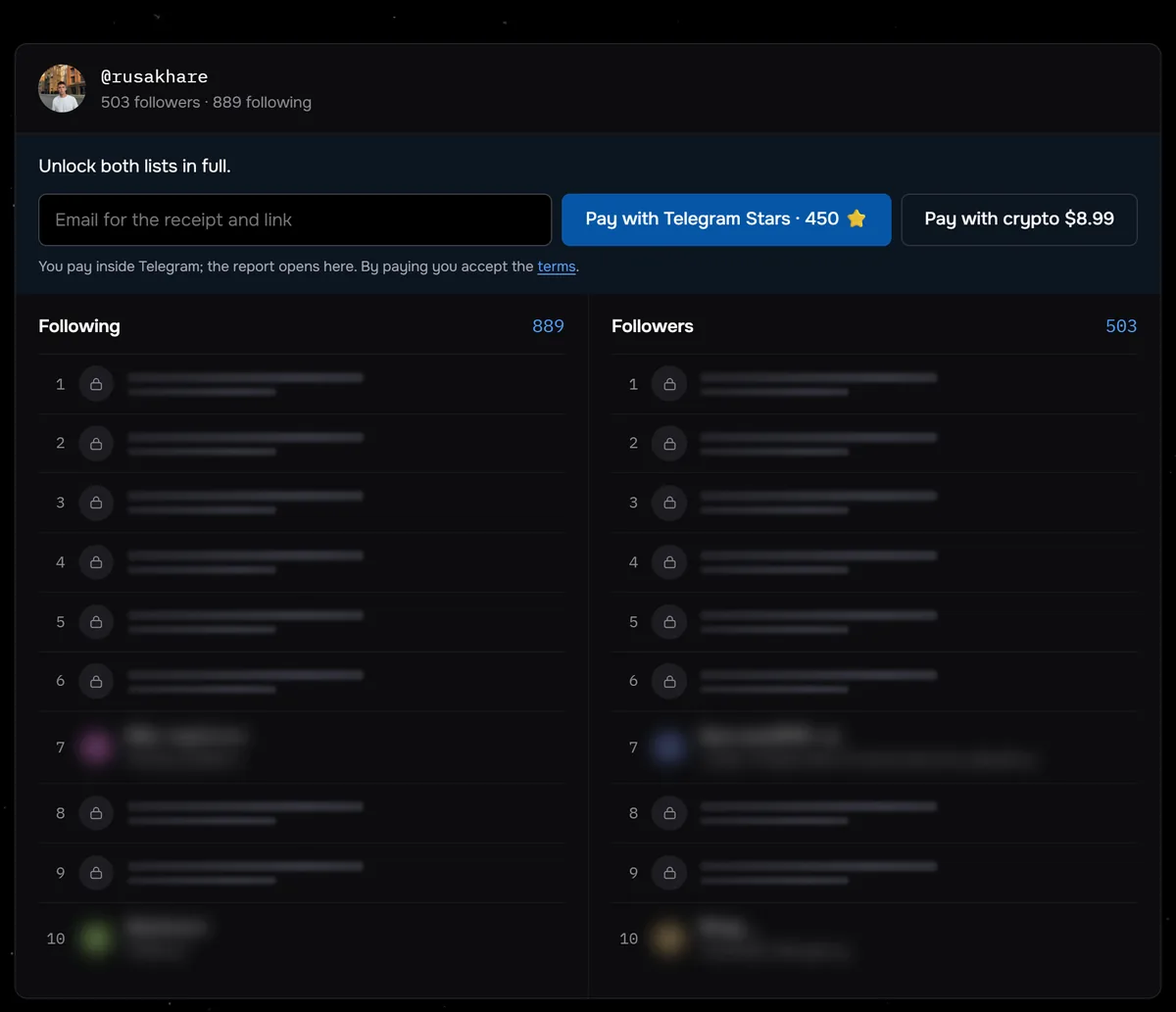
The screenshot shows a check of @rusakhare before payment: 503 followers, 889 following and the first rows of both lists, still locked. From 24 August to 27 September 2026, 117 profiles were checked through Sled. Half of them followed fewer than 350 accounts, and only 6 followed more than a thousand.
Get both lists of a public account in full. Private ones are rejected before payment, so you never pay for an empty result.
See the following listCommon questions
Why can’t I see someone’s following list on Instagram?
Most often the account is private: lists are visible only to approved followers. Other causes are a block, a deleted account, a changed username, or an ordinary app glitch.
How do I know whether I was blocked?
Open the page in a browser without logging in. If it is visible there but not in the app, the issue is with your own account.
Can I see a private account’s following list?
No. That is Instagram’s own restriction and no service gets around it. The only legitimate route is to follow and wait for approval.
The list shows but will not scroll to the end. What now?
That is a loading glitch: the list arrives in chunks and resets when the connection drops. Reopening, updating the app, or using a browser usually helps.
Did they hide only their follows and leave the rest visible?
That is not possible. Instagram has no separate setting for the list; privacy applies to the whole account.