Where the button is
- Open your profile and tap the follower count.
- Find the person in the list or search by name.
- Tap Remove next to their name and confirm.
That is it. They disappear from your follower list and your posts stop reaching their feed.
They receive no notification
Instagram does not announce removals. No message, no entry in the activity feed, nothing.
The only indirect sign is that your profile will offer them a Follow button again. Plenty of people do not notice for months.
Three limits
They can follow again
Removal does not forbid following. On a public account they can follow again at any moment, and you will find out through an ordinary new-follower notification.
Closing that door entirely takes a block, or a private profile with manual request approval.
There is no bulk removal
No “remove all” button exists, just as no “unfollow everyone” does. It goes one at a time, and at a hundred people that is already an evening of work.
Apps promising bulk clean-up run through a login to your account and act as you. Instagram reads a run of identical actions as automation, and the restrictions land on you rather than the app.
They can still see your posts
Removal takes them out of your followers but does not close the profile to them. On a public account they can open your page and see everything on it, new posts included.
Remove, block or restrict
Three separate features that people constantly confuse.
| What it does | Remove | Block | Restrict |
|---|---|---|---|
| Takes them out of followers | yes | yes | no |
| They find out | no | indirectly | no |
| They can follow again | yes | no | yes |
| They can see your profile | yes | no | yes |
| Their comments are public | yes | no | only to them |
Restrict is the gentlest: they still see everything, but their comments show only to themselves and their messages go to a separate folder. Blocking is the harshest and most visible: your profile stops existing for them.
What remains after removal
Removal affects the follow only. Everything the person already did on your page stays where it is.
- Their likes on your posts. They remain and keep counting.
- Their comments. They do not disappear; removing those is a separate job.
- Photo tags. They persist and come off manually through the post itself.
- Direct messages. They stay for both of you; removing a follower does not touch them.
So if the goal is not “take them out of followers” but “remove the traces”, a few more steps are needed beyond removal.
When it is not one person but a hundred
This is usually about purchased followers: empty accounts with no avatar and no posts that arrived in a batch. Removing them one by one through the list means weeks of work.
Before starting it is worth knowing the scale: how many there really are and what marks them out. Otherwise real people get removed along with the empty ones.
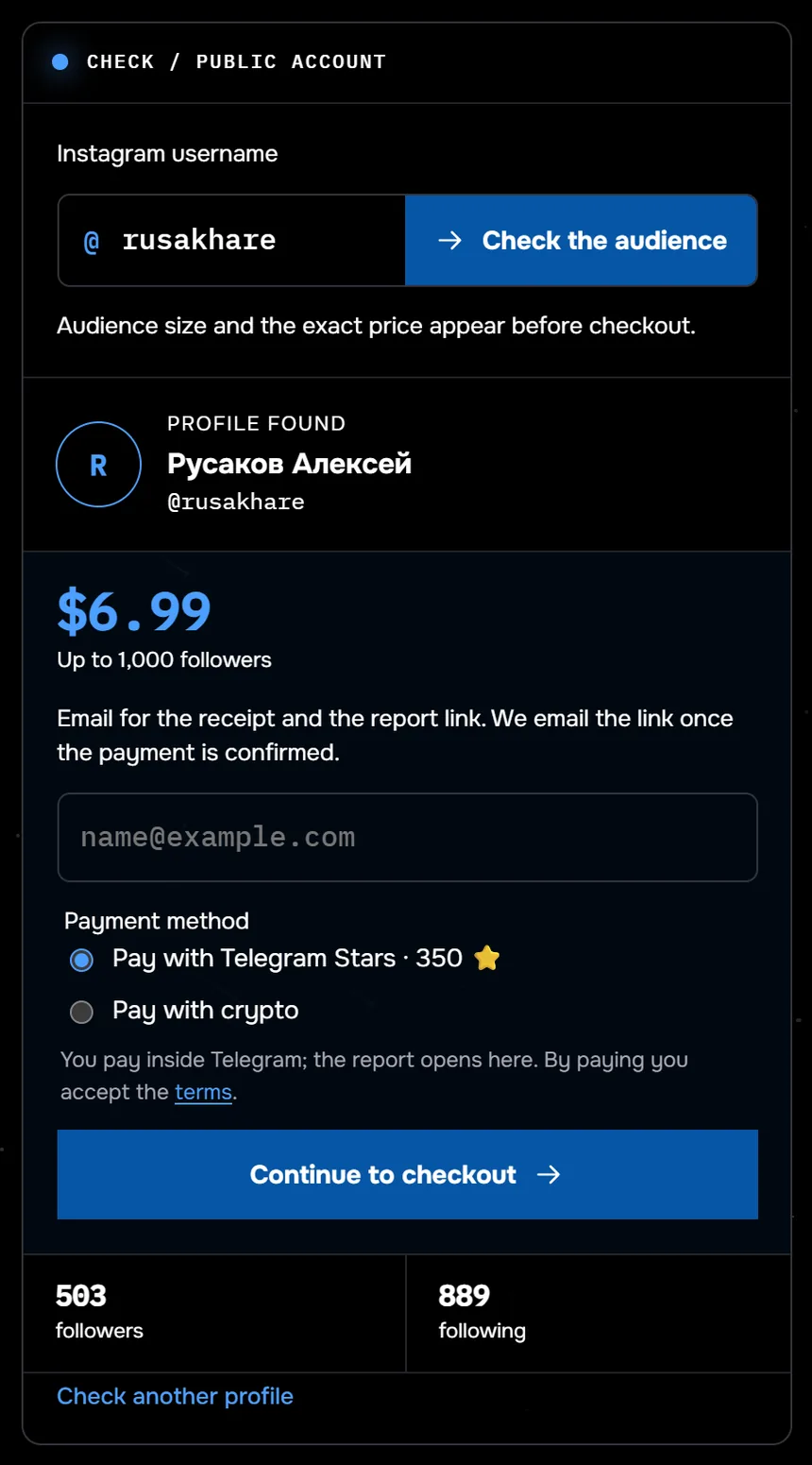
The screenshot shows the audience check for @rusakhare: 503 followers, the tier for up to 1,000 followers, $6.99. The service shows the audience size and the price before checkout. Of the 117 profiles checked through Sled between 24 August and 27 September 2026, half had fewer than 359 followers.
Break down your follower list by suspicion signals before clearing it. No login required.
Check followersCommon questions
How do I remove a follower on Instagram?
Open your follower list, find the person and tap Remove next to their name. They receive no notification.
Will they know I removed them?
No. Instagram does not report it. The only indirect sign is that your profile shows them a Follow button again.
Can they follow me again?
Yes, if your profile is public. Removal does not forbid following; that takes a block or a private account.
Can I remove all followers at once?
No, no such button exists. It goes one at a time, and bulk clean-up apps require a password and expose your account to restrictions.
How does removing differ from blocking?
A removed person still sees your profile and can follow again. A blocked one cannot see the page at all and cannot follow.