What counts as a mutual follow and where the app shows it
A follow is two-way when each of two accounts appears in the other one's followers list. When the link runs in one direction only, the follow is one-sided: you read them and they do not read you, or the reverse. The two lists get their own breakdown in following vs followers: the difference.
The app offers hints rather than labels. Open your own followers list: anyone you do not follow back has a Follow button next to their name. The accounts you follow carry no such hint, so that page cannot tell you who reads you in return.
On someone else's profile, a row of small avatars sits under the bio. It names accounts you follow that already follow this person. Tap the row to see all of them.
Instagram does count the connection itself. Meta describes its Suggested Accounts system in the Transparency Center. Its signals include how many mutual friends you share with an account and whether that account already follows you.
| Where to look | What it tells you |
|---|---|
| Your followers list | a Follow button next to people you do not follow back |
| Accounts you follow | nothing, no marks at all |
| Someone else's profile | a row of shared connections under the bio |
| Search by username | whether one specific person is there |
How to check mutual follows by hand
On your own profile
A manual check covers one name at a time. The steps go in this order:
- Open your profile and tap your follower count.
- Type the person's username into the search bar at the top.
- The username shows up: they follow you. No result: they do not.
- Go back and repeat the search for the next account you follow.
The reverse direction is quicker. Scroll the same page and note everyone with a Follow button. Those are people you do not follow back.
On someone else's profile: shared connections
From the outside you can check the link between you and another person, or between two other people. The shared connections row only shows the overlap with your own circle. Search gives the exact answer: open that person's following list and type the username you need.
This route is not always open. According to Instagram Help, a private account shows its followers and following lists only to people whose follow request it accepted. A stranger's private profile shows no names at all, so there is nothing to compare.
Why the manual check breaks on large lists
Every name takes several steps: open your followers, type the username, read the result, clear the search. Take an account that follows 1,000 people and has 800 followers. Assume one lookup takes 15 seconds.
- 1,000 follows at 15 seconds each: 15,000 seconds, or 4 hours 10 minutes.
- 800 followers at 2 seconds per row: another 27 minutes.
- Total: roughly 4 hours 40 minutes of tapping and typing.
In practice it takes longer. The page loads in chunks as you scroll, and after going back it is easy to lose your place. One skipped row spoils the whole comparison, and nothing flags the gap.
The manual method also hits a ceiling. Instagram Help does not let anyone follow more than 7,500 accounts, a cap meant to reduce spam. For 7,500 names, the same arithmetic gives 31 hours and 15 minutes.
Both counts keep changing while you work. Somebody unfollows during hour three, somebody else follows, and notes taken in the morning are stale by evening.
How to compare both lists in one pass
The comparison can go to the mutual follows report. It takes a public profile, yours or someone else's, and compares both lists in full using public profile data. You do not log in and you do not share a password.
The result comes as three groups. The first: who does not follow back. The second: who follows the profile without a follow in return. The third: two-way connections. Each group has search and exports as a spreadsheet.
The report shows the state of things at the moment of the check. Instagram does not expose the date of a follow or an unfollow, so the order of events cannot be rebuilt.
Profile size and price show before payment. A private profile gets turned away before that, because only approved followers can see who it follows and who follows it.
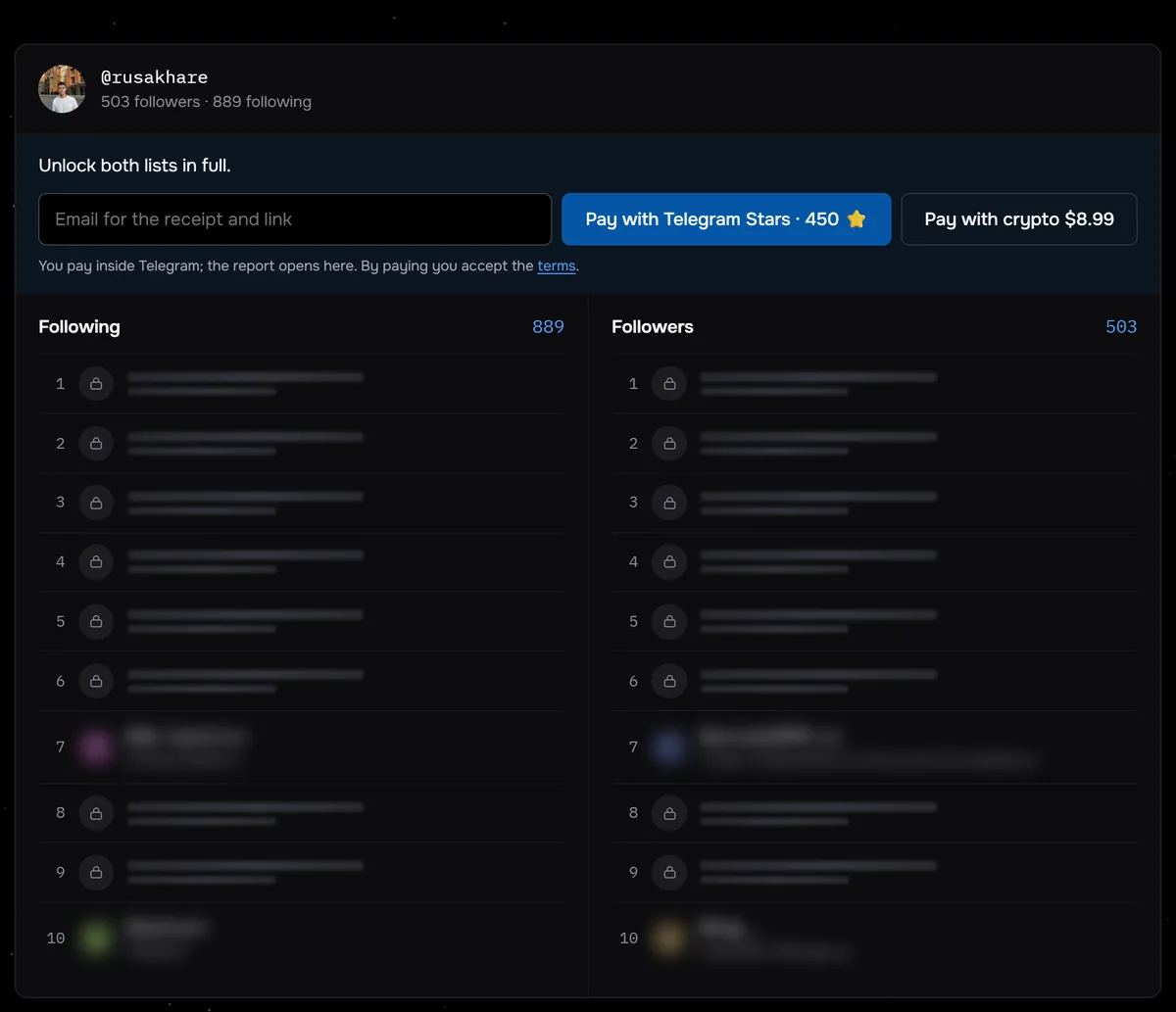
The screenshot shows @rusakhare: 889 following and 503 followers. Even if all 503 followers followed him back, at least 386 of the accounts he follows do not. That gap is common: of 117 profiles checked through Sled from 24 August to 27 September 2026, 43 followed more accounts than followed them.
Compare a public profile's following and followers and get three groups: who does not follow back, who you do not follow, and who goes both ways.
Compare the listsFollow-for-follow chats and bots: what happens to the account
A follow group chat runs on an informal deal. Members post links to their profiles, follow each other and report back with screenshots. A bot does the same thing automatically: it asks for your username and password and follows other members on your behalf.
The follower count in such a group climbs fast. The new people came for a follow back, though, not for your posts. Nothing holds the deal together: Instagram does not notify people when you unfollow them, and some of the new arrivals drift away quietly.
Trading follows breaks the platform rules outright. Meta's spam policy prohibits selling, buying or exchanging engagement such as likes, views and follows. A chat where one follow pays for another fits that rule.
How recommendations see it
Recommendations put a post in front of people who do not follow you, and reactions drive that choice. Adam Mosseri, head of Instagram, explained it on the company blog. In Explore, popularity signals weigh much more than in Feed or Stories. Those signals are how many people like, comment on, share and save a post, and how quickly they do it. More on ranking in how Instagram ranks content, explained by its head.
A follower from a chat came for the follow back. Reacting to your posts was never part of that deal. Follower count grows while reactions per post stay flat, so engagement per follower drops. Meta's card on Instagram Feed Recommendations also lists time spent and profile visits among its signals, and a silent audience supplies neither.
What such an audience looks like from outside is covered in bought followers: how it looks from the outside. The suggestion system watches follows as well. Its system card counts the follows a person made in the last 28 days among its signals.
Professional accounts can check where they stand in Account Status. Instagram's guide for creators says the tool shows whether content can be recommended to people who do not follow the account.
Action limits
Mass following runs into spam protection. Meta's spam rules cover posting, sharing, engaging with content or creating accounts at very high frequencies, manually or automatically. A chat member who follows dozens of people in one evening fits that pattern.
Instagram Help names a single number. Nobody can follow more than 7,500 accounts, and the cap exists to reduce spam. An account that trades follows for months reaches it sooner than most.
Bots carry more risk than chats. Instagram Help has a page on apps that offer likes and followers. With your login details, such an app can read your private messages and post spam from your profile. Instagram may remove the likes and engagement these apps generate. Accounts that keep using them can find parts of the account limited, up to having it disabled.
The cleanup has been running for years. In November 2018 Instagram announced it would remove inauthentic likes, follows and comments from accounts that use third-party apps to grow. Machine learning tools find those accounts, and an in-app message asks the owner to change the password.
What to do with one-sided follows
A one-sided follow is not a problem by itself. Following a news outlet, a favorite creator or a brand without a follow back is normal, and there is no reason to unfollow them. The real candidates for removal are accounts from old chats, abandoned profiles and random follows.
Remove the extras in small batches. Hundreds of identical actions in one evening look like spam on their own. The full cleanup order, who to keep and how to avoid a limit are covered in who doesn't follow you back on Instagram.
Run the comparison again after the cleanup. A second report shows how many two-way connections remain and which former chat members no longer follow you back.
Common questions
How do I see mutual follows on my own profile?
Open your followers and search for the username. A match means that person follows you. A Follow button next to a name means you do not follow them back.
Will someone know I unfollowed them?
No, Instagram does not send a notification about an unfollow. The person notices only by checking their own followers.
Can I check a private profile?
Only as a follower the account approved. A private account shows who it follows and who follows it to accepted followers alone. The report turns such a profile away before payment.
Is a follow for follow chat risky?
Trading follows breaks Meta's spam policy. Followers from a chat barely read your posts, so engagement per follower falls. Bots with your password put the whole account at risk.
Sources
- Meta Transparency Center: Spam policy
- Meta Transparency Center: Instagram Suggested Accounts AI system
- Meta Transparency Center: Instagram Feed Recommendations AI system
- About Instagram: Instagram Ranking Explained by Adam Mosseri, 31 May 2023
- About Instagram: Removing fake likes, follows and comments, 19 November 2018
- Instagram for Creators: What creators need to know about recommendations
- Instagram Help: How many accounts you can follow
- Instagram Help: Why you should not use apps that offer likes and followers
- Instagram Help: Private accounts and who sees your follower pages
- Instagram Help: Unfollow someone on Instagram